
QR Code Event Photo Sharing: A Step-by-Step Guide
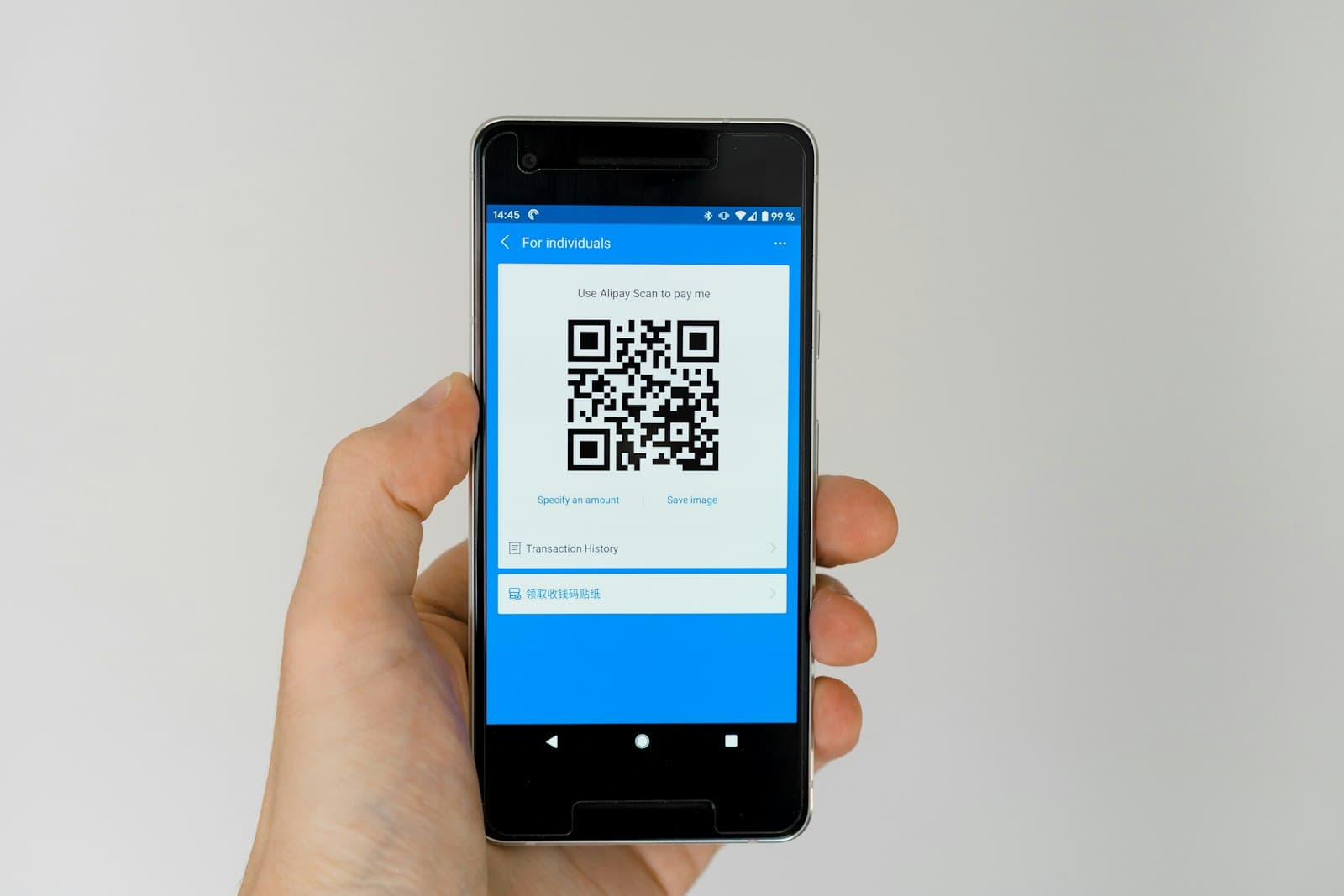
Chasing everyone for photos after an event, hunting through WhatsApp groups for images that scroll out of sight, or receiving compressed low-quality shots is exhausting. Collecting event photos with a QR code solves all of that in seconds, and at original quality. In this guide we explain how QR-based collection works, why it beats asking for photos by hand, and how to set it all up step by step with Buradaydık.co.
How QR Code Photo Collection Works
The idea is wonderfully simple. A private digital gallery is created for your event, and a unique QR code is generated that links directly to it. When your guests scan that code with their phone camera, they land straight on the upload page.
- The guest points their camera at the QR code.
- The page opens and they select the photos and videos they took.
- They tap upload, and the content lands instantly in your private gallery.
There is no app to download, no sign-up, and no complicated steps. The entire process runs in the browser.
Why It Beats Asking for Photos Manually
The traditional approach means pestering every guest one by one. And that method comes with real drawbacks:
- Quality loss: WhatsApp and similar apps automatically compress photos.
- Scattered files: Images end up spread across different chats and emails.
- Missing shots: Many guests forget or keep putting it off.
- Privacy issues: Group chats expose everyone's phone number to each other.
The QR code method removes every one of these problems. Buradaydık.co stores photos in their original resolution, gathers them all in one place, and keeps guests' phone numbers private from one another.
Step-by-Step Setup with Buradaydık.co
Setting up a QR-powered gallery takes only a few minutes:
- 1. Create your gallery. Open a gallery for your event on Buradaydık.co and give it a name.
- 2. Download your QR code. The system automatically generates a QR code linked to your gallery, ready to download and print.
- 3. Make the QR code visible. Place it on table cards, invitations, or a frame at the entrance.
- 4. Prompt your guests. A short note like "Scan to share your photos" is all it takes.
- 5. Collect and download. Photos stream into your gallery throughout the event, and at the end you download them all in one click.
Tips by Event Type
The QR code method works for every kind of gathering: weddings, engagements, birthdays, corporate meetings, and graduations alike. A few practical pointers:
- Place the QR code both at the entrance and on the tables so no one misses it.
- Add a clear, inviting call-to-action next to the code.
- After the event, share the viewing link so guests can relive the memories together.
This way, even the candid moments your professional photographer missed get captured.
If you want to gather every beautiful moment from your event into a single private gallery, take a look at how easy it is to create and share your own QR-powered gallery with Buradaydık.co before your next celebration. Your memories are waiting.
Do guests need to install an app to share photos via QR code?
No. With Buradaydık.co, guests simply scan the QR code with their phone camera and upload photos straight from the browser. No app download is required.
Do uploaded photos stay in original quality?
Yes. Buradaydık.co stores photos and videos at full original resolution without compression, so you can download every shot in high quality.
Can guests see each other's photos or phone numbers?
No. Privacy comes first; guests cannot see each other's phone numbers, and the upload process is completely private.
How do I download all the photos after the event?
As the event owner, you can download all photos and videos in one click from your gallery dashboard.